
Best Medical Store Software in Pakistan (2026): Pharmacy Billing with Batch & Expiry Tracking

Running a medical store in Pakistan is nothing like running a general shop. A kiryana owner worries about rice and oil; a pharmacy owner juggles 800+ medicines, each with a batch number, an expiry date, a generic formula, three competing brands, and a customer asking "is ka generic do, brand mehnga hai." Add supplier returns, near-expiry claims, and regular patients buying monthly medicines on udhar — and a paper register or a generic billing app simply collapses under the weight.
This is why pharmacies need medical store software built for pharmacies — not a one-size-fits-all POS with a pharmacy label slapped on. Here is what real pharmacy billing software must do in 2026, and how to pick the right one.
1. Batch Number Tracking — Non-Negotiable for Pharmacies
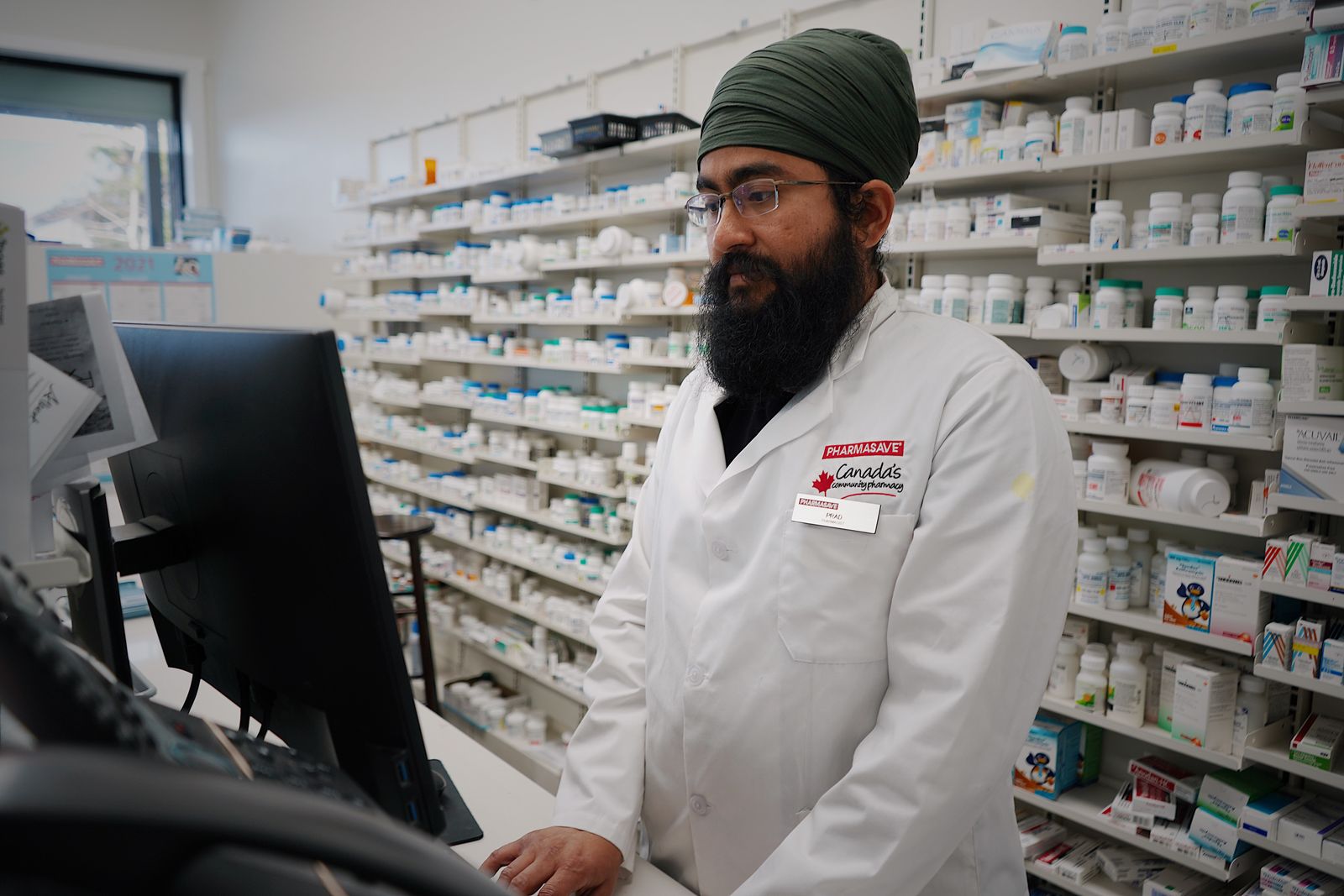
Every medicine strip that enters your shop belongs to a batch — and that batch number is your lifeline when things go wrong. If a manufacturer recalls a batch, if a supplier accepts returns only for specific batches, or if a customer returns a defective strip, the batch number is the only way to trace exactly what came from where.
Good medical store software records the batch number automatically at purchase time and prints it on the sale bill. When a distributor says "batch BX-2214 wapas kar dein, company ne recall kiya hai," you should be able to find every affected unit in seconds — not by digging through six months of paper purchase registers.
2. Generic Name Search — Because Customers Ask for Formula, Not Brand

Walk into any Pakistani pharmacy and listen: "Paracetamol ka generic de dein." "Omeprazole ka sasta wala?" Customers increasingly ask for the generic name (formula), not the brand. A pharmacist who can instantly see every brand of the same formula — with prices side by side — serves the customer faster and sells more.
Your software should let you store the generic name for every product and search by it. Type "paracetamol" and see Panadol, Calpol, Disprol and every generic option with their rates. This single feature can add 10–15% to daily sales, because you never again say "nahi hai" when the shelf actually holds three equivalents.
3. Expiry Alerts That Actually Save Money

Expiry is the silent profit-killer of every medical store. A strip of imported tablets can cost Rs 500–2,000 — throwing away twenty expired strips a month means Rs 10,000–40,000 straight into the dustbin. And unlike biscuits, expired medicines cannot be quietly discounted at the counter.
Proper pharmacy software warns you 90, 60, and 30 days before expiry — automatically, for every batch. That warning window is everything: 90 days is enough to return stock to the distributor for a credit note, push it with a small discount, or simply stop reordering it. We covered the full playbook in our guide on reducing expiry losses — but without software tracking the dates, the playbook never gets executed.
4. Rush-Hour Billing Speed
Between 6 and 9 PM, a busy medical store is chaos: three customers at the counter, one on the phone asking for a home delivery, and a fourth waving a prescription. Your billing must keep up. That means:
- Barcode scanning — one beep, item on the bill, no typing
- Quick-search by partial name — type "aug" and Augmentin appears instantly
- One-click repeat bills — monthly BP/sugar patients buy the same medicines every 30 days; re-bill in seconds
- Works fully offline — billing must never stop because the internet did
Every extra 30 seconds per bill during rush hour is a customer walking to the pharmacy next door.
5. Udhar Management for Regular Patients
Chronic patients — blood pressure, diabetes, heart conditions — buy the same medicines every month, and many buy on monthly credit. A pharmacy's khata book is full of "Rashid sahab — BP ki dawai — Rs 3,200." Lose track of these accounts and you lose both money and loyal customers.
Medical store software should maintain customer credit accounts with full history: what they bought, what they paid, what is still pending. Our guide on managing udhar effectively shows the discipline; software provides the memory. Set credit limits per customer and get alerted before a risky account grows too large.
6. Never Run Out of Fast Movers
Running out of Panadol, ORS, or insulin syringes during dengue season is not just lost revenue — it damages trust. Patients who find your shelf empty twice will make another pharmacy their default. Low-stock alerts on fast-moving medicines, based on actual sales history rather than guesswork, keep your shelves reliably full where it matters most.
Real example: A pharmacy in Faisalabad with ~900 SKUs switched from a paper register to digital batch-and-expiry tracking. Within five months, expired-medicine losses fell from roughly Rs 28,000/month to under Rs 6,000/month — and generic-name search increased average bill value by 12%, because staff could always offer an in-stock equivalent instead of saying "nahi hai."
7. What to Check Before Buying Medical Store Software
Use this checklist before you pay anyone:
- Batch + generic + expiry fields — built in, not "coming soon"
- 100% offline billing — your counter never stops
- Data stays yours — runs on your own PC, not locked in someone's cloud
- Urdu-friendly — your staff should learn it in a day
- Staff roles — counter staff bill; only you see purchase rates and profits
- Free trial — at least 30 days on your real data before paying
- One-time price, no monthly rent — subscriptions bleed small pharmacies dry
- Local support on WhatsApp — in Urdu, when you actually need it
Be wary of "pharmacy modules" bolted onto restaurant or garment software, and of cloud-only systems that freeze when the internet drops. A pharmacy cannot tell a customer "system down hai, kal aayein" — not for medicines.
One more thing worth checking: data backup. Your product list, batch numbers, and customer credit accounts are the heart of the business. Make sure the software takes automatic daily backups that you can copy to a USB drive yourself, so a crashed PC never means starting your medicine data over from zero.
Start small if the switch feels big: move your fastest-moving 200 medicines into the software first, with batch numbers and expiry dates, and bill them digitally for one week. Once your team feels the speed difference at the counter, entering the rest of the stock happens naturally.
The Bottom Line
A medical store lives or dies on three things: having the right medicine in stock, never selling expired stock, and recovering every rupee of credit. Batch tracking, generic search, and expiry alerts are not fancy extras — they are the core of pharmacy work, and your software should treat them that way.
Choose software built for how pharmacies actually operate in Pakistan, test it free on your own counter for a week, and watch the expired-stock dustbin get lighter month after month.
Photo credits: Hero photo by cottonbro studio · Batch-tracking photo by World Sikh Organization of Canada · Expiry-alert photo by BYB · Pharmacy-shelves photo by World Sikh Organization of Canada — all via Pexels.
Built for pharmacies, not adapted for them.
shopcos soft tracks batch numbers, generic names, and expiry dates automatically — with 90/60/30-day alerts, offline billing, and staff roles that protect your purchase rates. Try it free for 30 days on your own counter.
Start 30-day Free Trial